Have you ever thought your stock picks could be even better? Stock screeners work like a smart filter that weeds out the extra numbers to help you spot top opportunities fast. They sort through the data so you only see the details that truly matter.
In this post, we're sharing the best tools that deliver clear insights without any extra clutter. If you're looking to boost your investing skills with ease, keep reading to see how these screeners can really make a difference.
Quick Overview of Top Stock Screener Tools

Stock screener tools help you cut through the noise and quickly filter stocks based on simple, clear criteria. They’re designed for investors who want easy, actionable insights without getting bogged down by endless data.
Koyfin is a powerhouse platform that covers over 500 metrics, from basic facts about a company to technical details about its market behavior. The free version gives you a taste with essential filters, while the Pro version offers extra perks like percentile ranks and custom formulas. Imagine a tool that lets you see past trends alongside today’s numbers; it’s perfect for spotting slow changes in a company’s performance. Sure, there’s a bit of a learning curve, but the deep data set is worth it.
TIKR offers a global view with detailed historical filings and starts under $20 a month, making it a smart choice if you’re looking to explore markets outside your own. Think of it as reading a clear, organized financial report that shows you the full picture. One downside is that it doesn’t pack all the advanced technical tools you might find elsewhere.
Finviz stands out with its pattern-based filters and colorful heatmaps. Its dashboard is really intuitive, showing you which stocks are buzzing at a quick glance. The tool works in both Free and Elite versions, but if you need detailed custom formulas, you might find it a little limited.
TradingView mixes a built-in screener with live data and community-driven screens, and it’s a hit for advanced charting. In contrast, Fiscal.ai uses AI to offer both ready-made and custom screens starting at $15 a month. Its smart AI insights help guide your decisions, even though its library of metrics is a bit smaller.
Essential Features in a Stock Screener Tool

Modern stock screeners mix simplicity with powerful tools. They let you set your own filter limits using options like "No Min" and "No Max," so you can cut through the clutter and search exactly how you want. It works a bit like a smart indicator analyzer that lets you tweak your search criteria on the fly.
They also separate short-term and long-term performance filters. This way, you can easily see recent gains versus trends over several years. Think of it as a trend tracker that gives you a clear snapshot of a company's momentum, whether you're checking out a few weeks of data or several years of history.
Income and Debt Ratio filters are there to help you gauge a company's financial health. They work like a value check, showing you how profitable a company is and how balanced its books are. This is super handy when you’re on the hunt for steady, sustainable performance.
Revenue and Earnings screens take a closer look at a company's top-line and bottom-line growth. They make sure you see both the big picture of overall revenue and the finer details of net profits. On top of that, having a percentile ranking on key metrics is like having a custom comparison tool that shows how a stock stacks up against others in its sector or region.
Detailed Comparison of Leading Stock Screener Platforms

| Platform | Best For | Key Metrics | Price |
|---|---|---|---|
| Koyfin | Seasoned investors eager for rich historical data and custom analysis | Over 500 metrics, more than 10 years of data, percentile ranks, custom formulas, and the option to save watchlists | The full suite is unlocked with the Pro tier |
| TIKR | Investors seeking insights on a global scale | Detailed historical filings alongside extensive worldwide coverage | An affordable subscription that offers solid value |
| Fiscal.ai | Those curious about using AI for screening stocks | AI-powered screening with both preset and custom-built screens | Offers a range of budget-friendly pricing tiers |
| Finviz | Traders who love visual cues and pattern spotting | Filters based on patterns, visual heatmaps, and previews of charts | Available in free and Elite versions |
| TradingView | Active traders looking for real-time data and community-driven insights | A built-in screener, technical analysis tools, and screens shared by the community | Offers several pricing options, including a free plan |
What sets these platforms apart goes beyond a simple list of metrics:
• Koyfin stands out with custom formulas and deep historical data. Think of it as flipping through a “data diary” that reveals subtle market trends.
• TIKR has a global outlook, offering extensive international archives. It’s like having a passport to explore worldwide market signals.
• Fiscal.ai uses smart AI to speed up your screening process, much like having a clever assistant to spotlight key decision points.
• Finviz uses visual heatmaps and pattern filters to give you quick snapshots at a glance. It's ideal when every second counts.
• TradingView brings community-published screens into play, offering a live pulse on the markets with fresh ideas.
Each point here gives you a friendly, side-by-side look at how these platforms may suit different investment styles.
Pricing Comparison: Free vs Premium Stock Screeners

Many investors kick things off with a free stock screener. These tools, like Yahoo Finance and Finviz Free, give you a quick snapshot of key data. They let you filter stocks by market cap, price-to-earnings ratios (which is basically how much investors are willing to pay for one unit of earnings), and sector classifications. It’s like having a simple, cost-free window into the stock market without any fancy extras.
On the other hand, premium screeners such as Koyfin Pro, TIKR, and Fiscal.ai take things a lot further. They open up a full set of metrics with hundreds of filters and even provide historical data stretching back over 10 years. You also get features like percentile rankings that show how a stock measures up against others in its group, along with custom formula editors so you can tweak the analysis to suit your needs. They often include things like priority support and back-testing tools to help refine your investment moves.
Premium services come with a price tag, usually between $10 and $50 or more each month, depending on the detail and extra features they offer. While the free options cover the basics nicely, the premium versions deliver a deeper dive, giving you that extra edge if you’re looking to step up your market game.
Step-by-Step Guide to Using a Stock Screener Effectively

Start by setting clear investment goals. Decide if you're after growth, income, or momentum. For example, if growth is what you want, look for companies showing steady revenue and earnings climbs. If steady income is your thing, check out tools that spotlight stocks with a history of reliable dividends. Think of it like putting together your very own recipe for a strong portfolio.
Next, play around with performance filters. Use short-term tools to capture the latest price moves and earnings surprises. Then, switch to long-term filters to spot trends that have held strong over years, using simple metrics like moving averages. It's like zooming in on a chart that highlights the important shifts in the market.
After that, narrow your search by checking the company’s financial health. Look at things like income and debt ratios to judge how solid its balance sheet is. Adding dividend yields into the mix can really help if you're after stable picks. This step is like a quick check-up that clears out companies struggling financially.
Now, sort your options by valuation or momentum. Use P/E percentiles to rank companies compared to others in their field. This step smooths the list even further, leaving you with a selection of well-valued choices. Finally, save these screens as watchlists and set up alerts for live price updates so you never miss a promising opportunity.
This process transforms a basic stock screener into a handy tool for smart, organized decision-making.
Advanced Screening Case Study: Koyfin’s Customizable Screener

Koyfin offers a smart tool that feels like a dynamic opportunity picker, helping you see the entire market picture. Its simple controls let you group items, sort data, and even add your own formulas. Think of it as a flexible asset combiner that layers multiple metrics for a clearer view.
This tool comes packed with over 500 filters covering the basics of a company, chart trends, performance data, and even what analysts predict. It even features a historical performance simulator using more than 10 years of data. One cool detail is its use of percentile ranks, which score stocks from 0 to 100 based on factors like valuation, profit margins, and growth compared to their industry or past trends. Back in the day, investors had to rely on slow spreadsheets and manual work , a true test of patience!
Koyfin also lets you import table views straight from your watchlists. It ties in with earnings calendars, charts, scatter graphs, and news feeds so you instantly get market insights. More than 45,000 investors trust Koyfin because its clear setup makes high-level data both easy to reach and reliable.
This customizable screener works like your personal market assistant, giving you precise control over what you see. You can fine-tune your search to display data in a way that helps you build a strong portfolio with confidence. It truly stands out for both performance assessment and smart investment planning.
Niche Screeners and Additional Tools within Stock Screening
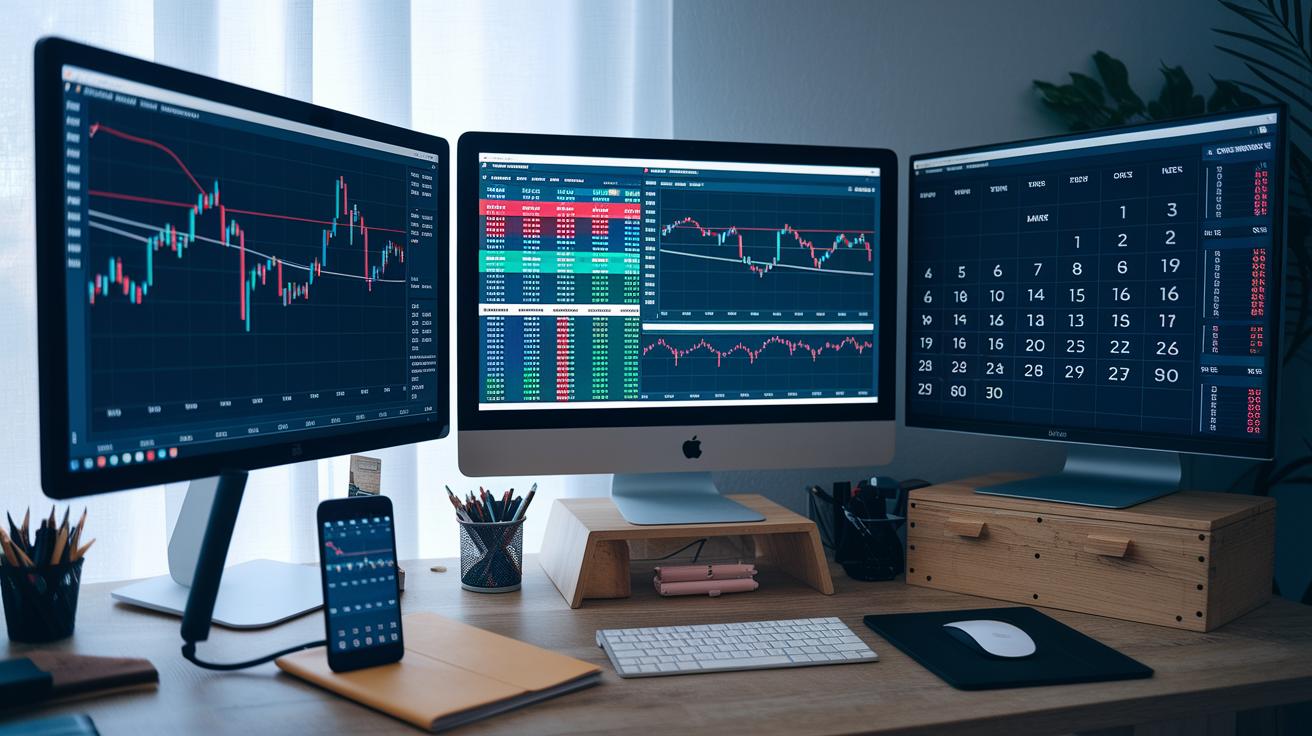
Niche screeners give you a fresh way to filter stocks by honing in on specific market segments. For instance, an ETF screener lets you check how fund families are doing, compare expense ratios, and look at past data from different sources. It’s like having a friendly expert who helps you compare fund details as easily as reading price tags at your local shop.
IPO screeners and calendars add another handy layer by keeping track of new companies entering the market. They show you upcoming listings and past IPO stats, almost like a trusted guide pointing out the next big opportunity as fresh companies start their journey.
Market mover tools complete the package by showing you top gainers, top losers, the most active stocks, and even after-hours trading in real time. They work with simple tools that measure how fast things are changing. There’s even a market heatmap that visually highlights how different sectors are doing. Plus, filters for precious metals and exchange rates add even more insights, making it easier for a smart investor to keep an eye on all key details.
Final Words
In the action, we’ve covered top stock screener tools, showed key filter features, and compared pricing options in a clear, side-by-side method. We looked at how to set up and use these screeners, from defining investment goals to evaluating performance, and even took a closer look at Koyfin’s advanced options. This recap puts a friendly spotlight on how smart investing and personal finance management can be made more accessible. Enjoy the process and feel empowered to explore the right stock screener for your goals.
FAQ
Which free stock screeners are available?
The free stock screener versions from platforms like Google, Morningstar, and Yahoo offer basic filters such as market cap, P/E ratios, and sector insights without charging a fee.
What defines the best stock screener?
The best stock screener features a wide range of advanced metrics, customizable filters, and an intuitive interface, empowering investors to analyze stocks using both fundamental and technical data.
How does TradingView’s stock screener operate?
TradingView’s stock screener integrates real-time data with advanced charting tools and community-created screens, enabling users to perform detailed technical analyses with ease.
What benefits do stock screener apps offer?
A stock screener app provides market filtering tools right on your mobile device, delivering real-time insights and user-friendly navigation to help you track investments on the go.
What makes Zacks stock screener distinct?
Zacks stock screener emphasizes earnings estimates and performance ratings, giving investors a clear snapshot of stocks based on data-driven insights and potential trading opportunities.
