Ever wonder how one weak password can put your whole digital world at risk? Your Microsoft account faces constant threats, with scammers sending fake emails that pretend to be from services like Outlook and Teams. One slip-up might let someone mess with your work, take your money, or even reveal your private details.
So, what can you do? Start with a strong password and add extra layers of protection, like two-step verification (a process where you confirm your identity using a second method, such as a text message or app notification). It’s like putting extra locks on your front door.
Stick with us and we’ll walk you through these simple steps. In doing so, you'll boost your digital defenses and feel a lot more secure about guarding your online identity.
Microsoft Account Security Essentials Overview
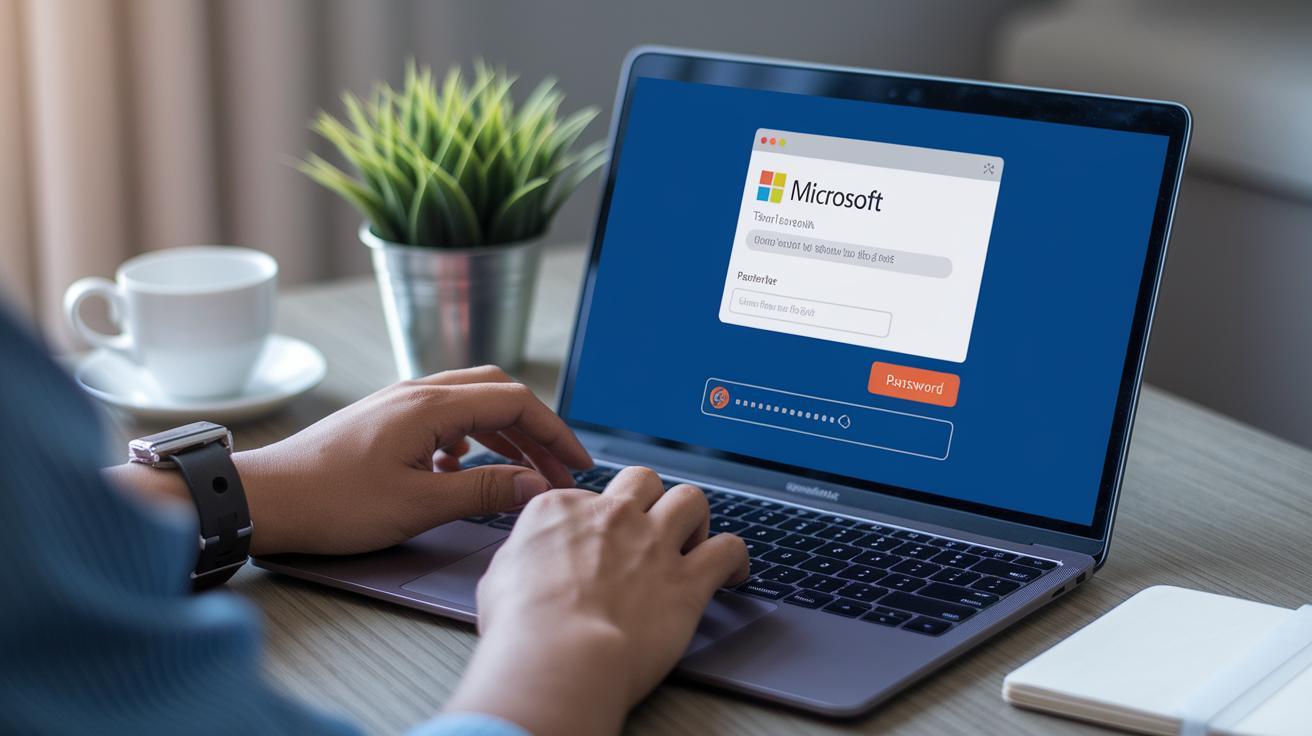
Microsoft accounts face many shifting threats. Research shows that nearly half of phishing emails pretend to be Microsoft, targeting favorites like Outlook, Teams, and OneDrive. These scams try to trick you into sharing your login details, leaving your account open to danger. If your account is breached, attackers can take your money, mess up your work, or expose private info, causing big problems in your digital world.
One breach can cause a lot of trouble. Unauthorized access can lead to financial loss, daily disruptions, and leaked personal data. Hackers taking advantage of weak security create real headaches for people and companies. That’s why beefing up your account security isn’t a luxury, it’s a must to protect your digital identity.
Securing your Microsoft account means using several layers of defense. First, create a strong password using upper and lower case letters, numbers, and symbols to make it hard to guess. Next, set up multi-factor authentication (MFA), which blocks nearly all automated attacks, so even if someone tries to break in, they won’t succeed. Also, arrange recovery options to ensure you can get back into your account if needed.
Finally, keep an eye on your account activity and use strict access controls. This approach checks every sign-in and stops any breach attempts, keeping your digital world safer.
Step-by-Step Two-Factor Authentication Setup for Microsoft Accounts
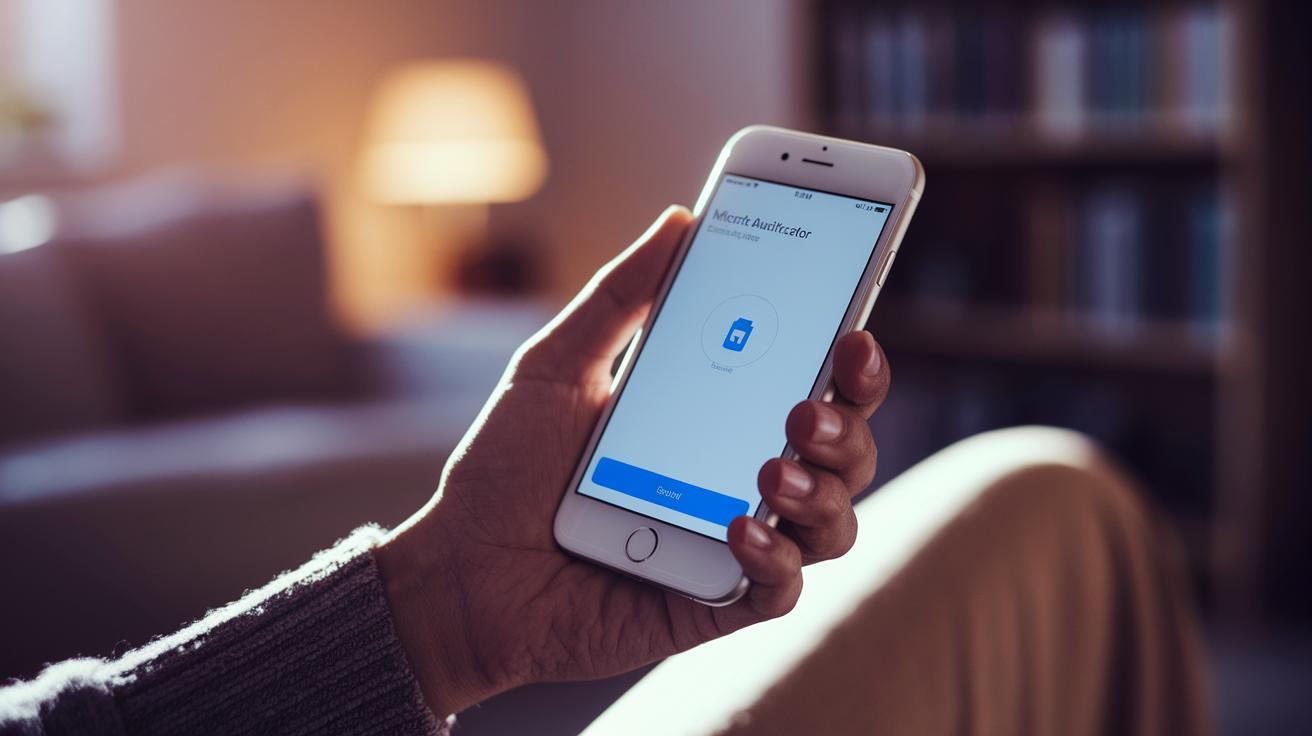
MFA, or multi-factor authentication, is a simple yet powerful way to protect your account from automated attacks. With MFA in place, about 99.9% of these threats are blocked. It means your account gets a layer of defense that goes far beyond just a password.
- First, log in at account.microsoft.com/security.
- Next, find and select "Two-step verification" and click on "Set up."
- Then, download the Microsoft Authenticator app on your smartphone. This app will create one-time passwords that change every few seconds.
- You can also add a hardware security key by looking under "Advanced security options." This key, which works via USB, Bluetooth, or NFC, offers top-notch protection.
- Finally, check and approve the devices you trust. This simple step makes sure that only familiar devices can sign in to your account.
Once you finish these steps, take a moment to test your new setup. Log out and then sign back in. You should see a prompt from the Microsoft Authenticator app or your hardware key asking for verification. Testing now helps you be sure your extra security is working perfectly and gives you peace of mind knowing your digital identity is well protected.
Microsoft Account Security: Elevate Your Safety

When it comes to keeping your Microsoft account safe, a strong password is your first line of defense. Experts suggest picking a password that's 12 to 16 characters long and mixes uppercase, lowercase, numbers, and simple symbols. This mix makes it really hard for someone to guess your password. It also helps a lot to have backup recovery options. For instance, jotting down a recovery code somewhere safe and using a private secondary email lets you regain access if things go wrong.
| Option | Description | Security Level |
|---|---|---|
| Password Requirements | 12–16 characters with mixed types | High |
| Recovery Code | A one-time code stored offline | Very High |
| Alternative Email | A secondary email for account resets | Medium |
| Hardware Security Key | A physical device used for sign-ins | Highest |
It’s a good idea to check and update these recovery settings regularly. This means checking that your recovery code is handy, confirming your alternative email is active, and maybe even using a hardware security key for top-level safety. Testing these options now can give you peace of mind, making sure you don't get locked out later. So, every few months, take a quick look at your settings and update any changes. Keeping this info current is a simple yet effective way to protect your account from digital threats.
Monitoring Suspicious Sign-In Activity and Alerts in Microsoft Account Security

Your Microsoft security dashboard serves as your personal watchtower. It provides a clear view of your sign-in details including location, IP addresses, and the devices used. This is key because many phishing scams mimic Microsoft by using familiar details, hoping to trick you. Regularly checking these details is like watching a security camera in a busy place, it helps you spot anyone who doesn't belong.
You can also personalize your alert settings to boost your protection. The system can send an email or text if it notices any unusual sign-ins. By tweaking these alerts based on how much risk you feel you face, you keep your account in your control. Quick responses to these alerts can stop problems in their tracks and keep everything secure.
Implementing Least-Privilege Access and Third-Party App Controls in Microsoft Account Security

Keeping your Microsoft account safe means setting strict limits on what actions others can take and checking any connected apps carefully. Over time, giving too much access, especially to short-term workers like interns or contractors, can raise your risk. Using a least-privilege approach means every user only gets the access they really need. This idea works smoothly with broader safety plans to keep your account even more secure.
Least-Privilege Access Model
Stick to giving people only the tools they need for their daily work. When you limit what each user can do, it cuts down chances for risky access. This simple step helps build a safer space and reduces the areas where hackers might try to sneak in.
Managing Third-Party App Permissions
Take time to look at every app linked to your Microsoft account. Check regularly what each app can access and decide if you really need that connection. Approve only the apps that offer clear benefits, and remove access for any that aren’t needed. This practice keeps your account secure and under control.
Automated Provisioning and Deprovisioning
Make onboarding and offboarding as smooth as possible by using automated processes. Let technology handle giving and taking away permissions as soon as someone joins or leaves. This reduces human mistakes and makes sure that both employees and external helpers only have the access they need, keeping your digital world tight and secure.
Planning Incident Response and Recovery for Microsoft Account Breaches

Having a clear, written plan for handling account breaches is essential. This plan stops further damage right away and helps restore security quickly. A solid plan not only cuts down on financial and data loss but also sets up a step-by-step guide for recovery if an intrusion happens.
Immediate Containment and User Notifications
When you find a breach, lock the account immediately. That means cutting off access while letting the user know what happened. Quick alerts give users a chance to protect themselves and stop any more unwanted actions. It’s like locking your door as soon as you sense trouble.
Forensic Analysis and Root Cause Investigation
Within 48 hours, start a careful review of the incident. Gather logs and check the sequence of events to pinpoint where the breach began. This process helps you see any weak spots in your security so you can fix them. It’s a bit like tracking clues to solve a mystery.
Long-Term Remediation and Training
Once you’ve contained the breach and figured out what went wrong, focus on long-term fixes. Update your security settings and adjust your policies accordingly. Training users on best practices and holding regular reviews keeps everyone informed. This ongoing effort helps maintain a secure environment, much like routine tune-ups keep your car running smoothly.
Final Words
In the action, we outlined a complete guide on protecting your digital account, from strong passwords and multi-factor authentication to monitoring login activities and managing app permissions.
Each step helps create a secure environment that can defend against threats and minimize risks.
When you mix practical safety measures with regular updates and smart incident response plans, you boost the overall resilience of microsoft account security.
Keep applying these strategies, stay alert, and enjoy the peace that comes from smart, secure financial management.
FAQ
How do I change my Microsoft account password?
The Microsoft account password change process involves signing in to your account page, accessing security settings, and following guided steps to update your password. This helps protect your account against unauthorized access.
How do I check or verify my Microsoft account security settings?
The Microsoft account security verification process lets you review settings, recent activity, and active sessions via the security dashboard. This ensures all protective measures like MFA are correctly enabled.
What does the Microsoft account security verification code do?
The Microsoft account verification code helps confirm your identity during sign-in or security updates. It’s sent to your configured email or phone, adding an extra layer of protection to your account.
What is the role of the https://www.microsoft.com link in account security?
The secure https://www.microsoft.com link provides a trusted gateway to access your account and its security settings. Always check for the correct URL to ensure you’re on an authentic Microsoft page.
How do I log in and manage security using mysignins.microsoft.com?
Mysignins.microsoft.com provides detailed reports on recent sign-ins and security info, allowing you to monitor your account’s protection and quickly identify any suspicious activities.
Is the Microsoft account security alert real?
The Microsoft account security alert is genuine when issued by official Microsoft channels. If you receive one, verify it by logging in directly to your account and reviewing your security settings.
How do I access Microsoft account security controls?
Accessing Microsoft account security is done through your account portal under Security settings. From there, you can change your password, set up MFA, and monitor login activity.
How can you tell if a Microsoft email is legitimate?
A Microsoft email is legitimate if it comes from an official domain like @microsoft.com, uses clear language, and presents secure links. Always verify these details to avoid phishing scams.
How do you know if your Microsoft account has been hacked?
Signs that your Microsoft account may have been hacked include unexpected login activity, password changes, and alert notifications. Checking your security dashboard regularly helps spot any unauthorized access.
