Have you ever wondered if your Facebook account is really safe? In today’s online world, keeping your profile secure is just like bolting your front door.
It’s simple. You can turn on extra protection like two-factor authentication, which means you need a code from your phone in addition to your password, choose strong passwords, and check what devices are signed in.
These easy steps help keep strangers out of your account and give you peace of mind. Stick with us to learn how adding these layers of defense can protect your digital life.
facebook account security essentials: your complete protection plan
Keeping your Facebook account safe is all about layering up your defenses. Start by turning on Two-Factor Authentication, which means after typing your password, you'll need a code sent to your phone. It’s like adding an extra lock to your door. Using a strong and unique password, one that mixes letters, numbers, and symbols, makes it much harder for anyone else to break in.
Take a moment every now and then to check which devices are logged into your account. It’s a simple way to spot any unfamiliar activity. Also, be careful with third-party apps; only give access to the ones you trust. It’s a bit like inviting friends over, you want to know who’s coming in.
Don't forget to update your recovery details and switch on login alerts. These alerts notify you whenever something unusual happens, just like a friendly tap on the shoulder saying, “Hey, check this out!”. And when you’re browsing, keep your software updated and steer clear of dodgy sites to lower your risk.
Here are some straightforward tips to boost your account's security:
- Enable Two-Factor Authentication to add a second step when logging in.
- Choose strong, unique passwords that mix letters, numbers, and symbols.
- Turn on login alerts to get notified about any odd sign-in attempts.
- Check your active sessions regularly to spot unfamiliar devices.
- Limit third-party app permissions to only those you trust.
- Practice safe browsing by keeping your software updated and avoiding risky sites.
- Update your recovery information so you can always get back in if needed.
By following these steps, you'll have a solid security setup that not only protects your Facebook account but also gives you peace of mind while you navigate your digital world.
setting up two-factor authentication for facebook account security
Step 1: Install and Link an Authenticator App
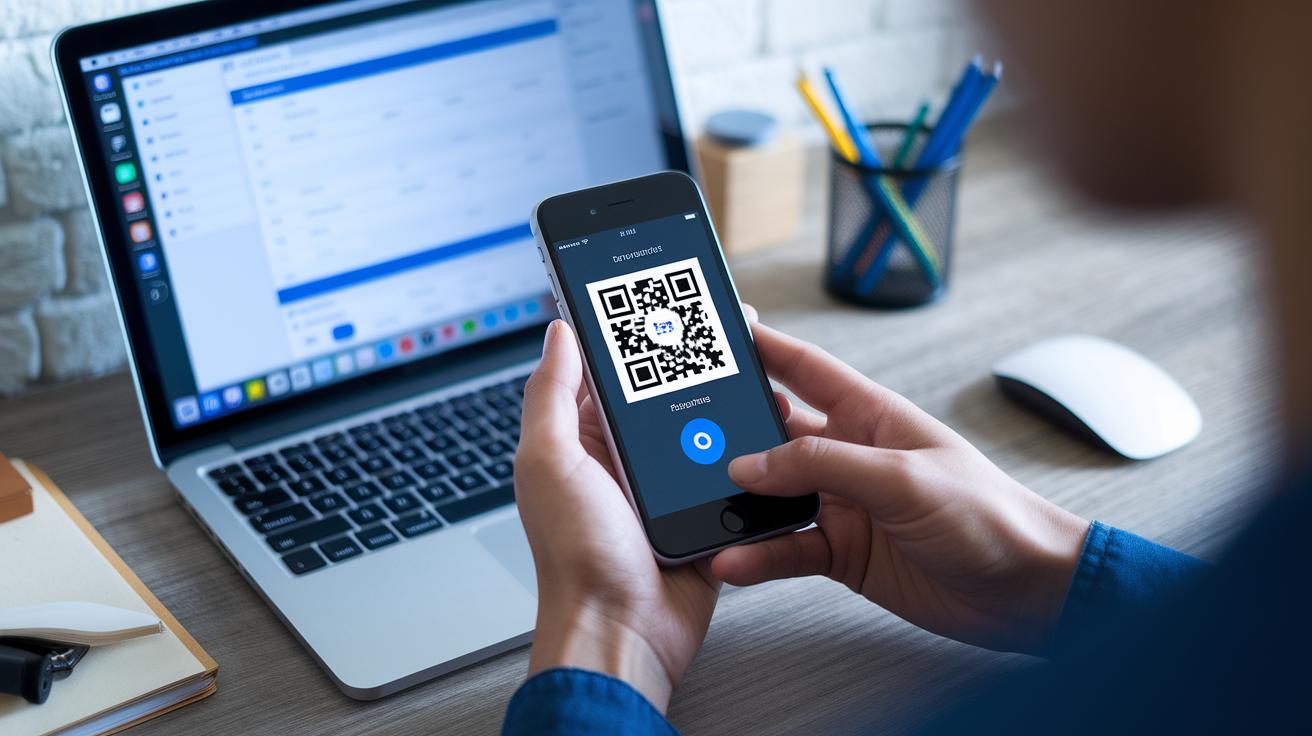
Start by downloading an authenticator app from your app store and opening it on your phone. Once it’s installed, sign in and follow the on-screen instructions to set it up with Facebook. Think of it as setting up your very own tool for extra security.
Step 2: Access Your Security Settings
Log into Facebook on a secure network. Click on the downward arrow in the top-right corner and select Settings, then Security and Login. Find the Two-Factor Authentication section where you can boost your account's protection.
Step 3: Enable and Confirm 2FA
Click the Edit button next to Two-Factor Authentication. Choose the Authentication App option and use your app to scan the QR code displayed on Facebook. Then, enter the six-digit code that your app generates. This step securely ties your app to your Facebook account.
Step 4: Store Your Backup Codes Safely
After you activate 2FA, Facebook will offer backup codes. Keep these codes somewhere safe and offline, imagine them as secret keys that let you regain access if you ever lose your phone.
Step 5: Activate Login Alerts
Finally, go back to your security settings to turn on login alerts. These alerts notify you when there’s a sign-in attempt from an unrecognized device or location, adding an extra layer of peace of mind.
facebook account security password management strategies
Start by creating a password that stands out. Mix letters, numbers, and special characters to make it seem like a random code that is hard to guess. Think of your password as a sturdy lock that keeps intruders away. And don’t use the same password on different sites because that could open the door to data breaches.
It’s just as important to keep your password safe as it is to create a strong one. A password manager works like a digital safe, storing your codes securely and keeping them organized. This tool helps you build strong passwords and reminds you where each one is kept, so you don’t accidentally mix up your accounts.
Try to update your password every 90 days. Regular changes mean that even if someone manages to get your password, it won’t be useful for long.
monitoring and alerts in facebook account security
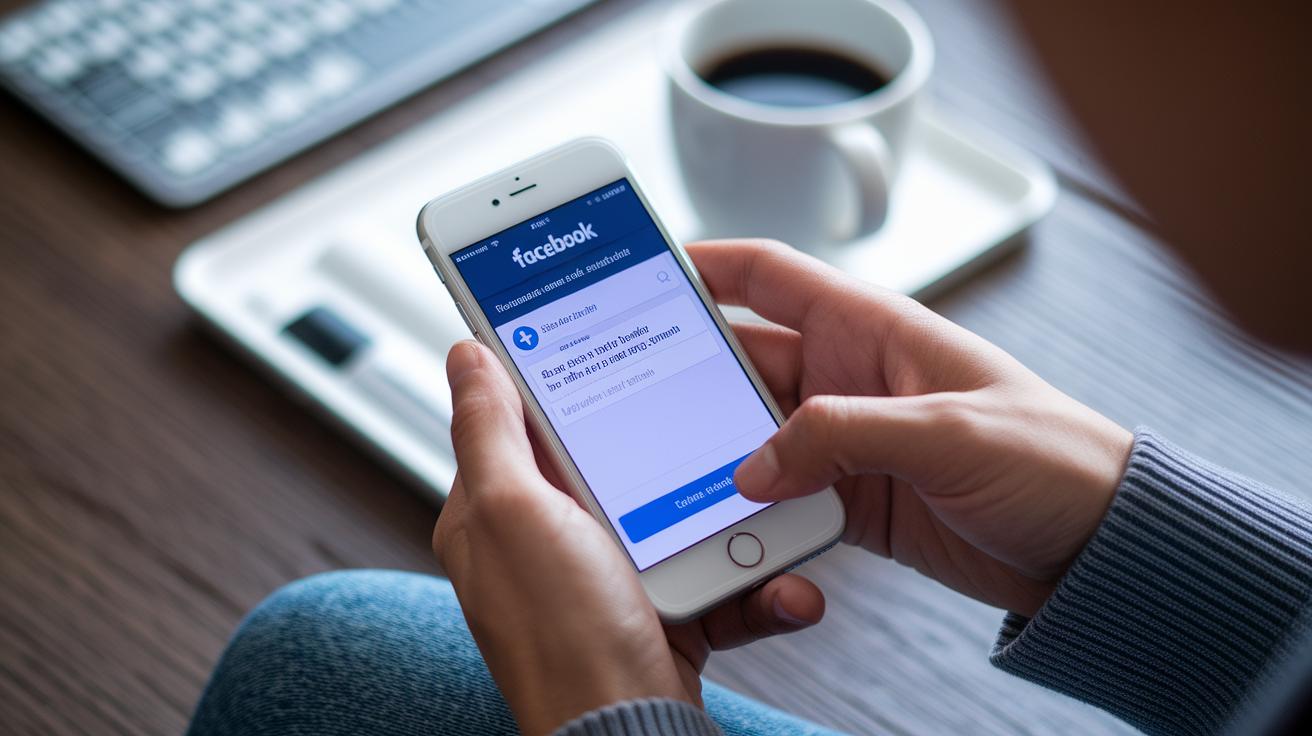
Turn on alert notifications for unknown login attempts in your Facebook Security and Login settings. Think of it like having a friend at your door letting you know when someone unexpected is trying to get in.
Take a moment each week to check the "Where You're Logged In" section. This way you can be sure that only familiar devices and locations are using your account. For example, one user saw a login from an unfamiliar city and quickly locked down her account.
If anything looks off, sign out of that session right away. Acting fast can stop any unauthorized access and keep your account safe.
facebook account security privacy settings and third-party apps
When you adjust your Facebook privacy settings, think of it like deciding who gets a peek into your personal space. Simple tweaks, setting who can see your posts, send friend requests, or view your profile, can keep your personal info safe, much like choosing who you let into your home.
It’s also important to keep an eye on which third-party apps can access your Facebook account. Sometimes you add apps without noticing what details they gather. Regularly checking these permissions is like reviewing your guest list to make sure only trusted friends are hanging out.
A good habit is to do a Privacy Checkup on Facebook. This easy process lets you manage who sees your posts, friend requests, and profile details. In the Apps and Websites section, you can remove any integrations you no longer use and set each app to only access the minimal data it needs. Only give permissions to apps you trust and that serve a clear purpose. This way, you’re helping shield your account from unwanted data exposure, as advised by data privacy protection (https://dealerserve.com?p=370). Keeping your settings updated and your app permissions in check really goes a long way in securing your Facebook account.
facebook account security recovery and troubleshooting

Keep your recovery email and phone number updated. Think of it like double-checking your emergency contacts. Go to your Settings and update your contact details regularly. Also, save your backup codes. These codes work like a secret key when you can't use your usual methods to sign in.
Set up a few trusted contacts, 3 to 5 people you really trust. You can add them in the Security and Login section. They act as a safety net by helping to confirm your identity. It’s a smart way to add another layer of protection without overcomplicating things.
If you think your account has been hacked, use Facebook’s Report Compromised Account tool immediately. This tool walks you through actions like changing your password and double-checking your security settings. Quick action stops the bad guys and helps bring everything back to normal. There are simple, step-by-step guides in the Help Center to make sure you get back on track fast.
advanced facebook account security measures and encryption
Staying safe online starts with using secure browsing. When you use HTTPS, your information gets a lock on it, making it hard for prying eyes to see what you’re doing. It’s like having a secure door for your data. Make sure your browser and computer software are up to date so they can block bugs and other risks. And remember, don’t click on shady links, they might steer you into dangerous territory. For more easy tips on keeping your connection safe, check out this guide: how to protect my data.
Another key step is managing the list of devices that can access your Facebook account. Think of it like cleaning your home, you only want people you trust inside. Regularly look over your devices and remove any you don’t recognize. Especially on shared computers, always log out after you’re done. It’s a simple way to prevent unwanted logins and keep your account secure.
Keeping track of your active sessions adds the final layer of security. Take a moment every now and then to see which sessions are open and close the ones you don’t use. This quick check is like locking up extra doors in your house, stopping any sneaky attempts to get in. By using safe browsing, managing trusted devices, and keeping your sessions in check, you build a strong defense that protects your information on every device.
Final Words
In the action, the article explains smart ways to protect your Facebook experience.
It covers two-factor setups, unique passwords, alerts, and recovery tactics.
• Enable 2FA for extra protection.
• Create strong, unique passwords.
• Activate login alerts immediately.
• Review active sessions often.
• Limit third-party app access.
• Secure your recovery info.
• Use trusted encryption measures.
Combining these steps boosts your facebook account security and builds real confidence. Stay positive and proactive. Your smart moves today pave the way for a secure future.
FAQ
What is a Facebook account security email?
A Facebook account security email is the address used to send alerts and recovery details. It verifies your identity and helps restore account access if any issues occur.
How do Facebook security and login settings help protect my account?
Facebook security settings include login alerts, session reviews, and two-factor authentication. They monitor activity and update recovery info to keep unauthorized access at bay.
How can I secure my Facebook account from hackers?
Securing your account means using strong, unique passwords, enabling two-factor authentication, and reviewing active sessions. Limiting third-party app permissions also minimizes hacker risks.
How do I secure my Facebook account with my mobile device?
Securing your account on mobile involves installing an authenticator app, setting up mobile-based two-factor authentication, and enabling login alerts for unrecognized devices to stay safe on the go.
Can you prevent a Facebook account from being hacked?
Preventing hacks is achievable by combining robust passwords, multi-factor authentication, routine security checks, and cautious app permissions. These measures work together to reduce hacking risks.
How do I check the security settings on Facebook?
You can check security settings by visiting the Security and Login section within your account. Review active sessions and enable features like two-factor authentication and login alerts for ongoing protection.
How do I contact Facebook’s Help Center for support?
To contact Facebook’s Help Center, visit their official support page. You’ll find troubleshooting guides, reporting tools, and step-by-step instructions to resolve account and security issues.
How will I know if my Facebook account has been hacked?
Signs of a hacked account include unrecognized login alerts, unexpected password changes, and unfamiliar devices or locations in your active sessions. Regular security reviews help catch these issues early.
