Did you know that hackers can break many passwords in just a few seconds? Your online account is like the front door to your house, and you wouldn’t leave that door open, right? That is why using strong passphrases and adding extra checks, like multi-factor authentication (an extra step to verify it’s really you), is so important. It’s like putting a deadbolt on your door. In this guide, we share easy steps that help you keep unwanted visitors away and take charge of your digital space.
Securing Your Online Accounts: Core Best Practices
Keeping your online accounts safe is super important. In 2024, some smart-guessing tech managed to crack 87 million weak passwords in under a minute, which really shows why you need a strong password. Try using long passphrases (over 12 characters) and a password manager that creates and stores unique passwords for you. This simple step can reduce your risk of getting hacked.
Next, think about adding extra layers of protection like multi-factor authentication (MFA). With MFA, you'll need something extra, like a mobile code, fingerprint, or even facial recognition, to log in. This extra step makes it much tougher for anyone trying to break in. Plus, two-step verification can alert you when there’s a suspicious login, giving you a heads-up on potential threats.
Also, never share your login details with anyone, even people you trust. Be cautious if you get emails, texts, or calls asking for your password or security code, as these might be phishing scams trying to exploit weak passwords. It’s a good idea to regularly review your account activity and check for unusual login attempts.
Finally, keep an eye on any unusual activity and do regular reviews of your account settings. Routine checks help you spot cyber threats early and adjust your defenses as needed. By following these best practices, you tackle both the obvious and hidden risks, keeping your online accounts as secure as possible. Stay alert, update your protection measures often, and feel confident that your digital life is well-protected.
Strong Passwords and Policy Enforcement in Account Security
A secure account starts with a rock-solid password policy. We use strong hashing methods like Argon2id, scrypt, bcrypt, and PBKDF2 to guard your passwords. These methods add a unique value to every password, kind of like giving each one its own digital fingerprint, so it’s much tougher for bad actors to break in.
Your password should be at least 12 characters and mix letters, numbers, and symbols. Think of it like building a secure lock; every piece you add makes it harder for intruders. Even a small change in your password can mean the difference between being safe and being at risk.
It also helps to use a password manager that generates credentials with top-notch cryptographic methods. This way, your passwords stay unpredictable and secure without you needing to remember every single one. And please, avoid using the same password across different services. It’s a common mistake that can really open up vulnerabilities.
To keep things even safer, set up automated password rotations and check your login records regularly for any unusual activity. This routine not only keeps your account fresh but also helps build a strong system for managing your credentials. In truth, clear and enforced rules are key to maintaining the highest level of account security.
Account Security Best Practices: Stay Protected Now
Multi-factor authentication, or MFA, is a great way to keep unwanted users out of your account. It adds extra steps when you sign in so that even if someone guesses your password, they still need one more piece of proof. For example, you might use a one-time code that refreshes every 30 seconds, a small physical key like FIDO2, or even your fingerprint or face to unlock your account.
Text messages with one-time codes can sometimes be risky because of SIM-swap scams. Instead, opting for a hardware key like a YubiKey offers more safety since you need to have the device in hand to log in.
Risk-based authentication is another helpful layer. It checks details like your device, where you are, and how you usually log in. So, if you suddenly try to sign in from a new spot, the system might ask you to verify who you are. It’s like having an extra security guard keeping an eye on things.
Lastly, setting up real-time alerts for any unusual MFA failures or bypass attempts is a smart move. That way, if someone tries to mess with your security, you’ll know immediately and can take quick action. These steps together make your account much harder to break into while keeping you informed of any odd activity.
Session Management and Intrusion Detection for Account Security
Keeping sessions secure is vital to preventing attacks. Use strong, cryptographically secure random number generators when creating your session IDs and tokens. This means the numbers are truly unpredictable. Always protect your sessions with HTTPS/TLS, so that data travels as safely as if it were behind a tightly locked vault door. And set your system to log off after 15 minutes of no activity to avoid leaving a backdoor open for intruders.
Good audit logs are like a trusted friend keeping track of every login attempt, what succeeded and what didn’t. This detailed record helps you spot unusual behavior quickly. Imagine your own security dashboard alerting you when it notices too many failed logins or access from unexpected locations.
Key best practices include:
- Encrypt sessions using HTTPS/TLS.
- Regularly check your audit logs.
- Automatically timeout sessions after a short period of inactivity.
In addition, use anomaly detection tools that look for patterns that stray from the normal. These tools keep a constant watch on login activities, flagging anything unusual. This way, your security team can step in immediately to stop any breach before it affects users. It’s a practical approach that makes your account protection even stronger.
Encryption and Cryptographic Key Management for Secure Accounts
Encrypting your data while it’s on the move is your first line of defense against unwanted intruders. Use TLS or HTTPS for every login page so that details like your passwords and financial info get scrambled during transit. Keeping to HTTPS networks makes sure your data stays private and stops leaks in their tracks.
For any sensitive data stored on your servers, go with strong encryption methods such as AES-256 along with a public-key system. Think of it like putting your valuables in an extra sturdy safe, hackers will have a tough time breaking in even if they manage to intercept your data.
Managing your keys is just as important. Rely on trusted tools like hardware security modules (HSMs) to store your cryptographic keys safely. Regularly updating your keys and setting strict access rules is a bit like changing the locks on your house after a break-in, it keeps your defenses strong and current.
It also helps to verify JSON Web Tokens by checking the "kid" header against trusted JSON Web Keys and confirming the digital signatures. This extra step prevents tokens from being tampered with.
Finally, avoid leaving secrets hardcoded in your code because that only makes it easier for attackers. Set up clear access controls for keys and related files, and run regular audits and updates on your encryption methods and key management practices. This approach keeps your login systems sturdy and your data as secure as can be.
Security Policies, Incident Response, and Regular Audits for Account Protection
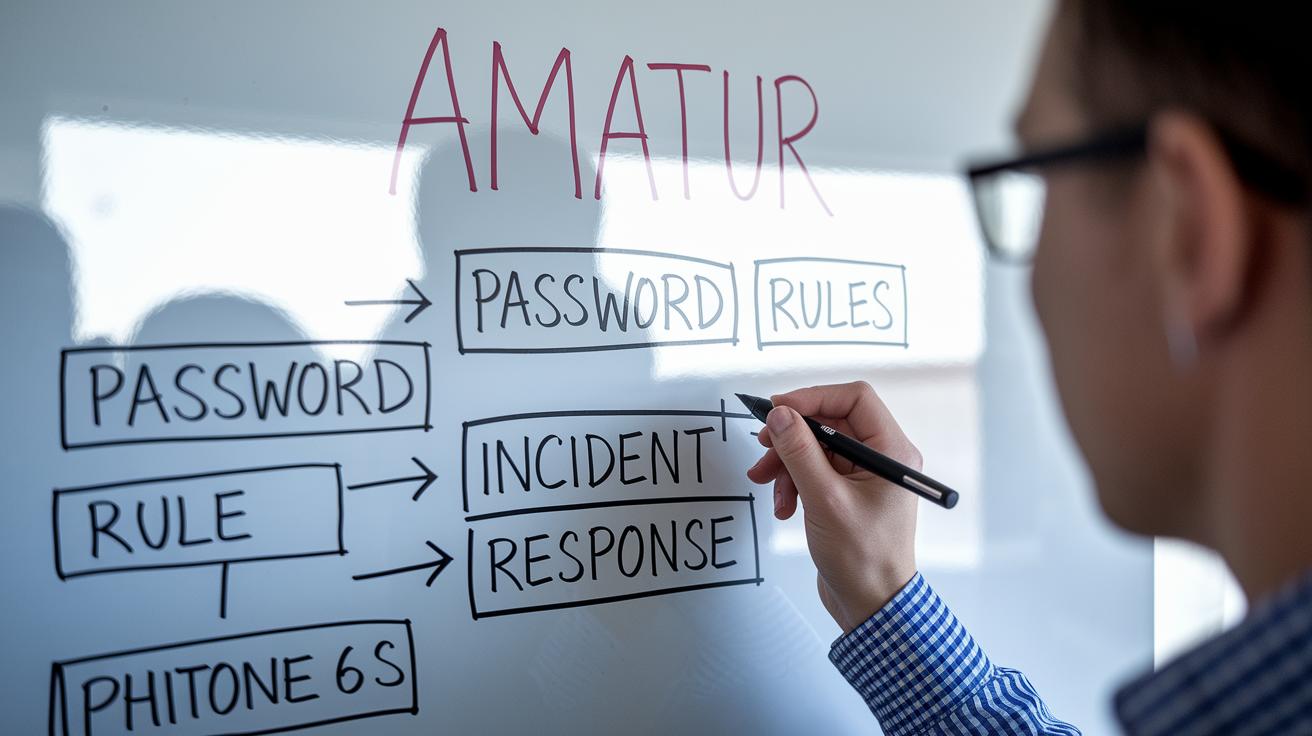
Begin by writing down simple, clear rules about passwords, multi-factor authentication (that’s an extra step to protect your account), and session controls. For example, you might say, "Employees must use complex passphrases, enable multi-step verification, and log out after being inactive." This basic set of rules lays the groundwork for keeping your account and sensitive data safe.
Next, map out an incident response plan. Think of this like a fire drill for your digital space, everyone should know who does what, how to communicate, and the steps to recover if something goes wrong. Running through practice scenarios can really help your team feel ready when surprises happen.
It’s also important to run regular checks on who has access to your account. These compliance audits and user-permission reviews are like routine home security checks, making sure every door and window is locked. Plus, set up a process to push out security updates fast, following clear service level agreements.
Finally, hold training sessions that guide your team in spotting phishing and other social-engineering scams. Using everyday examples like, "Never share your sensitive verification codes, even with trusted contacts," can make the lessons stick. In short, clear rules, a solid response plan, and ongoing audits all work together to keep your digital world secure.
Final Words
In the action, we broke down essential methods to guard your online accounts. We looked at strong passwords, multi-factor options, safe session practices, encryption tactics, and proactive policies that help keep your login data safe. Each section offered practical steps to guard against breaches and keep your personal information protected. By applying these tips, you're setting yourself up for long-term financial security and steady market confidence. Keep integrating these account security best practices into your routine, and enjoy a safer digital future.
FAQ
What is the best way to secure your accounts?
The best way to secure your accounts means using strong, unique passwords, turning on multi-factor authentication, and keeping an eye on unusual login activity.
What is the 8 4 rule for passwords?
The 8 4 rule for passwords suggests using at least 8 characters with a mix of 4 different character types, helping to reduce the risk of unauthorized access.
What are security best practices?
Security best practices include strong password policies, multi-factor authentication, regular audits, and encryption of data in transit and at rest to safeguard your information.
What are Gmail account security best practices?
Gmail account security best practices involve enabling two-factor authentication, using a unique, strong password, reviewing account activity, and completing Google’s security checkup.
What are AWS security best practices?
AWS security best practices include enforcing strict IAM policies, activating multi-factor authentication, encrypting data, monitoring logs, and following a comprehensive security checklist.
What are GitHub security best practices?
GitHub security best practices involve using strong, unique passwords, enabling two-factor authentication, regularly reviewing access tokens, and managing repository permissions carefully.
What are IAM best practices according to NIST guidelines?
IAM best practices per NIST include using role-based access control, enabling multi-factor authentication, conducting periodic reviews of access permissions, and maintaining detailed audit logs.
What are authorization best practices?
Authorization best practices involve granting the minimum necessary access, regularly reviewing user permissions, and using role-based controls to keep your systems secure.
Which is one of the main recommended best practices for root account security?
One main recommended practice for root account security is to avoid using it for daily tasks by enabling multi-factor authentication and creating separate accounts with lower privileges.
