Ever wonder if your password is really enough to keep your online accounts safe? Think of your password as your front door key. Two-step verification adds an extra lock to your door. Even if someone gets hold of your key, they still need a one-time code sent to your phone or generated by an app to break in.
This simple extra step makes it a lot tougher for hackers to sneak in. It’s like adding a second lock to your home, giving you peace of mind every time you log in. Try it out and enjoy the extra layer of protection for your digital life.
How Two-Step Verification Strengthens Account Security
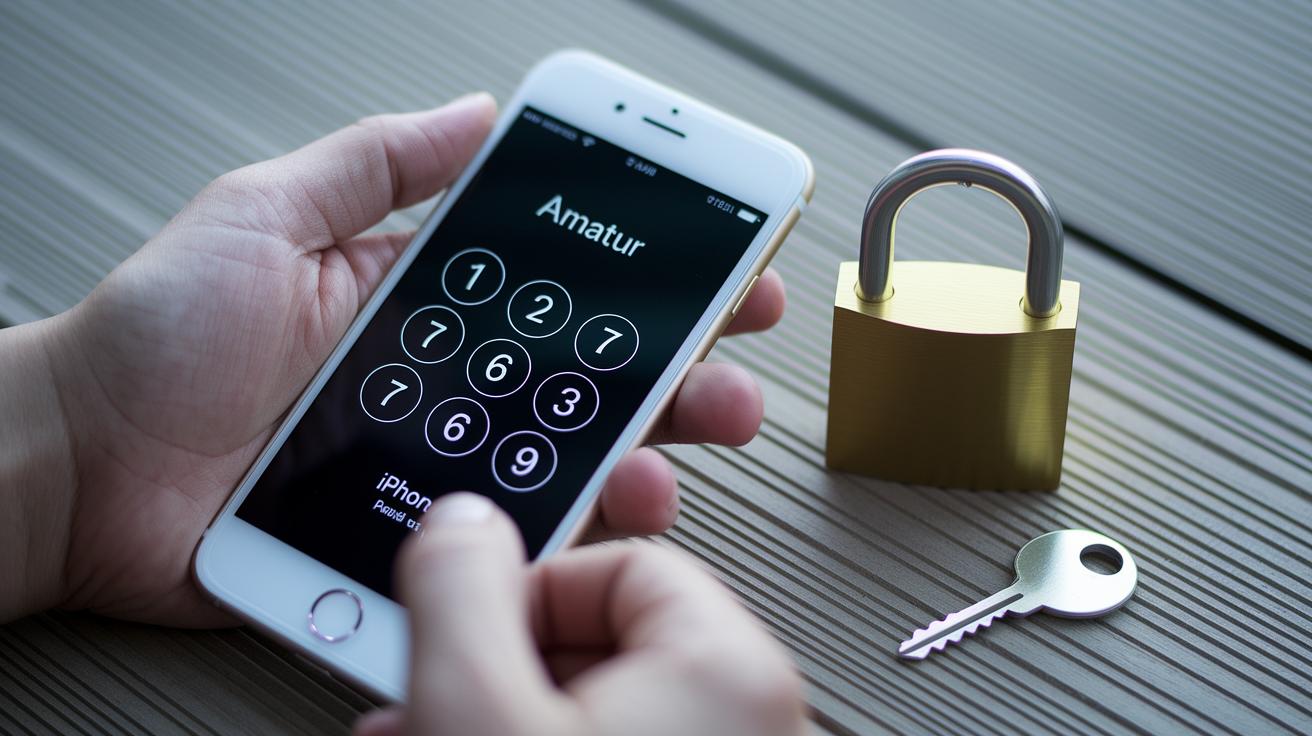
Two-step verification adds an extra lock on your account. It’s not just about your password; you also get a short-lived code sent to your phone or generated by an app. This extra step makes it a lot harder for intruders to sneak in.
It’s like having two keys for your house. Even if someone grabs your password, they’d still need that second code to get in. This simple routine helps keep hackers at bay and gives you a little peace of mind.
- It fights off phishing scams.
- It helps stop credential stuffing.
- It uses a one-time code to verify your identity.
- It sends alerts if anything suspicious happens.
- It builds a stronger defense around your account.
- It adds another barrier with a second check.
Layered security means that if one part fails, the rest still protects your digital life. By combining what you know (your password) with a temporary code (something you get), you create a smart, double-check system that cuts down the risk of account takeovers.
Core Components of the Dual Confirmation Process

Imagine your account as a cozy home that needs extra locks. The dual confirmation process makes your digital space much safer by blending three simple checks: what you know, what you have, and who you are. This method works kind of like a handshake that only you and your device share, keeping unwanted visitors at bay. You can learn more about protecting your personal details on our personal information protection page.
Knowledge Factor
Think of this as your secret password or PIN. It's the info you set up in advance to prove you're really you. This fixed detail acts as your first barrier, making sure that only the right person gets access.
Possession Factor
Here’s where it gets even cooler. A one-time code is sent to your mobile, via text, or through a hardware token. So even if someone somehow discovers your password, they'd still need that extra code to get in. It’s an added check that really secures your account.
Inherence Factor
This step uses something uniquely yours, like a fingerprint scan or face recognition. Leveraging trusted public key cryptographic protocols from groups like the FIDO Alliance and W3C, along with hardware security keys, this method checks your identity with a challenge-response system. It’s like having a custom lock that only your unique traits can open.
Step-by-Step Setup for Mobile Code Verification
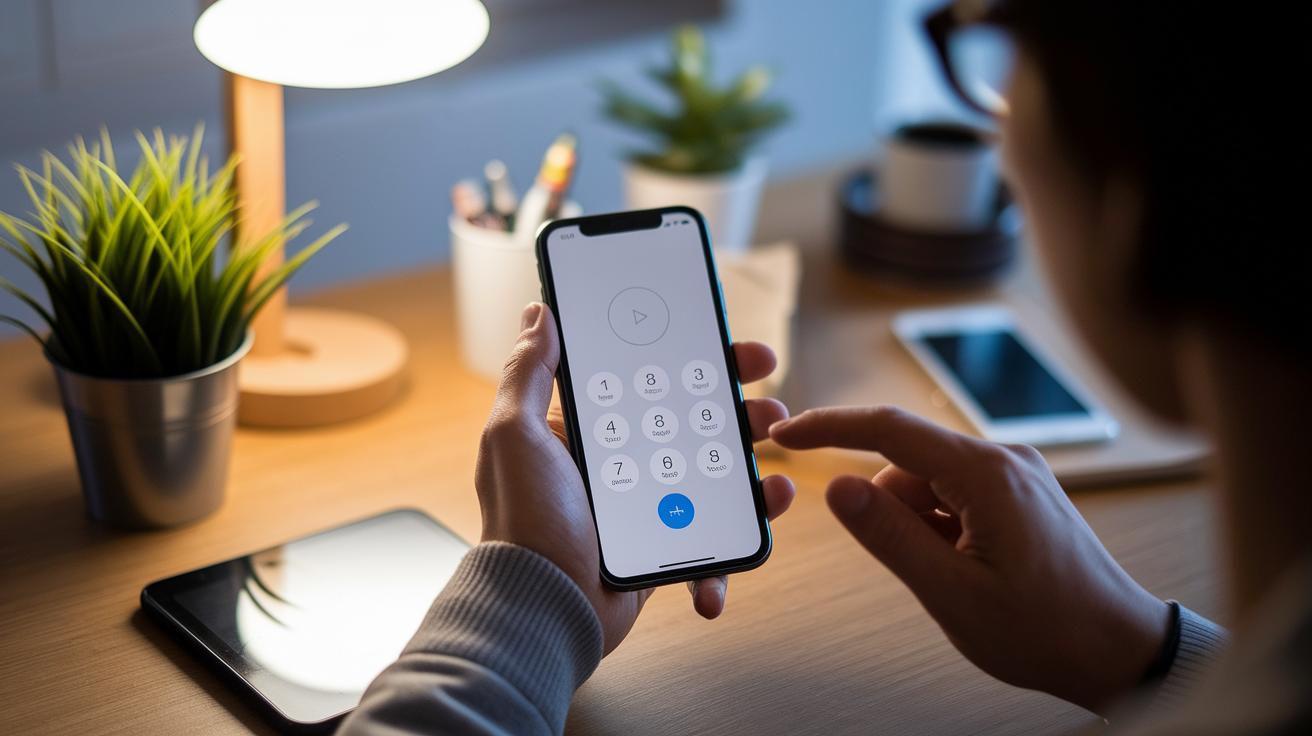
Mobile code verification makes your account safer and makes signing in easier. It works by pairing your usual password with a temporary code sent to you via SMS, an app, or even your device’s screen lock. Think of it like a secret handshake that only you and your account share. This method uses an authenticator app that keeps your codes linked across all your devices so you’re never left out in the cold. Your password manager might even fill in these codes automatically for you, and you get alerts if your password ever seems compromised. Follow these simple steps and you’ll be set up with a secure login that is both smooth and efficient.
SMS Code Setup
To use SMS codes, go into your account security settings and switch on text message passcodes. Once you confirm your phone number, you’ll be given backup codes to save. Every time you log in, a one-time code is sent straight to your phone. You just enter that code to finish signing in. It’s easy and gives you an extra layer of protection.
Authenticator App Setup
Start by downloading a free authenticator app from your favorite app store. Then, use the QR code on your account page to set it up and enter your first one-time passcode. The app will then sync your codes across all your devices. Often, it even works with your password manager to fill in those codes automatically. This process is both secure and takes away the hassle of entering a code by hand.
Passkey Registration
You can also use your device’s screen lock as a passkey for an even smoother sign-in experience that doesn’t rely on codes. This means using your fingerprint, face scan, or PIN to prove it’s you. By doing this, you turn your device’s built-in security into a powerful login tool that protects your account even more.
| Verification Method | Setup Steps | Average Delivery Time |
|---|---|---|
| SMS Code | Enable in security settings, verify phone number, save backup codes | Seconds |
| Authenticator App | Download app, scan QR code, enter initial code, sync account | Seconds to 1 minute |
| Passkey | Register device screen lock, use fingerprint, face scan, or PIN | Instant |
Comparing Two-Step Verification with Other Sign-On Protocols

Using only a password to sign in can leave your online accounts open to serious risks like phishing and credential stuffing. Studies show that accounts protected by just a password face about 60% more breaches. For example, a small online retailer saw several hacks until it switched to adding extra security. One weak password led to unauthorized access across many accounts. Simply put, relying on a single factor puts you at risk.
Two-step verification brings an extra layer of protection without making your login process complicated. In one mid-sized fintech firm, this extra step cut down compromised accounts by 75% while adding less than 10 seconds at each login. People liked the smooth experience; one user said it felt more like a quick safety check than a hurdle. This shows two-step verification is a smart upgrade compared to basic passwords.
New technologies like passkeys are also making waves. Passkeys use public key protocols, which means they offer strong protection against phishing and remote attacks. They also free you from the hassle of remembering or typing passwords.
| Protocol | Breach Reduction | User Effort |
|---|---|---|
| Password Only | Baseline | Low |
| Two-Step Verification | 75% Reduction* | Slight Increase |
| Passkeys | High resistance to phishing | Minimal, seamless |
*Data from recent fintech security analysis.
Resolving Common Challenges in Two-Step Verification

Losing or swapping devices can create a few bumps in the road with two-step verification. Backup codes serve as a handy fallback that lets you get back into your account if you can't reach your usual device. They help you bypass a full security reset by providing an easy, alternative way to verify your identity.
Sometimes, codes might expire or get stuck in transit, making it hard to log in quickly. A solid backup system can kick in by sending you an email prompt, giving you another chance to verify. This extra safety net means you'll have a reliable way to complete the verification process when your expected code doesn't come through on time.
To keep your account safe in the long run, update your contact details and store your backup codes in a secure spot. Many services have help sections, blogs, or support articles that offer guidance on regaining access if your primary device gets compromised. Using these resources and keeping your recovery options current lowers the risk of getting locked out while steadily building your account protection.
Best Practices for Maintaining a Multi-Factor Safeguard Strategy

Start by taking a look at all your registered devices and saved codes. Check for devices you no longer use and remove them quickly to cut down on potential risks. It’s a bit like cleaning out your keyring and keeping only the keys you really need.
Next, rely on a trusted password manager to create and securely store strong, complex credentials. This tool not only helps you set up tough passwords but also works well with automatic alerts that warn you if anything seems off. It’s like having an extra set of eyes, spotting trouble before it even starts.
Then, keep your verification methods fresh by updating them regularly. Revisit your biometric settings, renew your hardware tokens, and refresh your backup codes when needed. Think of it as routine maintenance, much like updating your favorite app to keep it running smoothly.
Finally, run regular checks to make sure your security setup stays smart and private by design. These compliance reviews help your multi-factor safeguard adapt to new challenges and consistently protect your digital world.
Final Words
In the action, the post explored how two-step verification strengthens account security. It covered its role as a safeguard against data breaches, alongside explaining key elements like static credentials, one-time codes, and biometric features.
By stepping through setup guides, comparing protocols, and addressing common issues, the article provided a clear path to robust, layered protection. Embracing two-step verification for account security builds confidence and sets the stage for a secure financial future. Stay positive and keep your financial information safe.
FAQ
What does two-step verification for Gmail mean and how does it help with account recovery?
Two-step verification for Gmail means your account uses both a password and a secondary check, which helps secure your account and aids in recovery if you lose access.
How does two-step verification work for account security on iPhone and Android?
Two-step verification on iPhone and Android adds an extra check, like a one-time code, making it much harder for unauthorized users to access your device or account.
What does 2-step verification or 2FA live involve?
2-step verification, also known as 2FA, involves using a second method—such as a text message or app code—to verify your identity, thereby boosting your account’s security in real time.
Can someone still get into my account if I have two-factor authentication enabled?
Two-factor authentication significantly lowers the risk of unauthorized access, as intruders would need both your password and the secondary code to breach your account.
How do I set up my two-step verification?
Setting up two-step verification typically means turning it on in your account settings, choosing a second check like SMS or an authenticator app, and completing the verification with your chosen method.
Is it beneficial to turn on two-step verification?
Turning on two-step verification is beneficial because it adds an extra layer of security, protecting your account from common attacks and unauthorized access.
What are the disadvantages of using two-step verification?
Two-step verification may slow down sign-ins and rely on a secondary device, but these small trade-offs are often worth the added protection for your account.
How can I turn off two-step verification without signing in?
Turning off two-step verification without signing in is generally not allowed for security reasons, so you must access your account or use recovery options to make changes.
Which authenticator apps are commonly used for two-factor authentication?
Common authenticator apps like Google Authenticator, Microsoft Authenticator, Duo Mobile, and FreeOTP generate time-based codes to enhance your account’s security, while Google Family Link can help manage security settings for younger users.

cialis dapoxetine
cialis dapoxetine
azitro
azitro
doxycycline monohydrate
doxycycline monohydrate
doxycycline hyclate 100mg for sinus infection
doxycycline hyclate 100mg for sinus infection
buy vidalista 60 mg
buy vidalista 60 mg
vidalista 10 mg opinioni
vidalista 10 mg opinioni
vardenafil or tadalafil
vardenafil or tadalafil
super vidalista 20 mg
super vidalista 20 mg
viagra invented year
viagra invented year
ozempic lawsuit cancer
ozempic lawsuit cancer
doxycycline 100mg acne duration
doxycycline 100mg acne duration
minoxidil and eyelashes
minoxidil and eyelashes
liraglutide drug names
liraglutide drug names
orlistat bogota colombia
orlistat bogota colombia
toradol pain control
toradol pain control
toradol how fast it works
toradol how fast it works
ivermectin demodex expert review
ivermectin demodex expert review
PK Window Concepts
PK Window Concepts
Onset Pharmacology Resource
Onset Pharmacology Resource